

Public Wi-Fi, remote work, and streaming restrictions have made VPNs a normal part of everyday device use rather than a niche privacy tool. But most “best VPN” lists repeat the same five names without explaining which one actually fits a given situation.
This guide breaks down the VPN apps worth using in 2026, what separates them in practice, and how to match a provider to what you’re actually doing — streaming, remote work, travel, or general privacy.
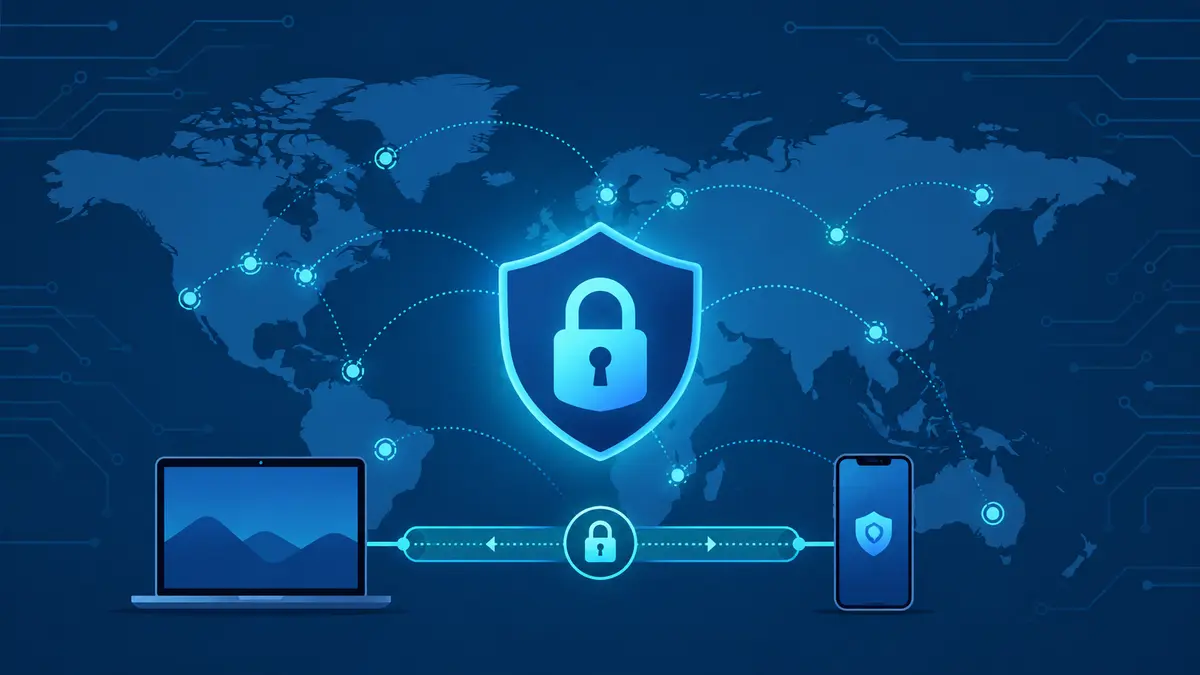
Table of Contents
What a VPN Actually Does
A VPN (Virtual Private Network) routes your internet traffic through an encrypted tunnel to a server operated by the VPN provider. This hides your real IP address from websites and networks you connect to, and it prevents your internet service provider (ISP) or anyone on a shared network — like public Wi-Fi — from seeing which sites you visit.
It’s not a magic invisibility switch. A VPN protects the connection between your device and the VPN server; it doesn’t anonymize what you do once you’re logged into an account, and it won’t stop phishing or social engineering attacks, which remain some of the most common ways people get compromised online.
What to Look for in a VPN App in 2026
Not all VPN apps are built the same. A few things matter more than the marketing copy:
- No-logs policy, independently audited — a provider that doesn’t record your activity, verified by a third-party audit rather than self-reported
- Kill switch — cuts your internet connection automatically if the VPN drops, so your real IP is never exposed
- Modern protocol support — WireGuard-based protocols are now the standard for a good balance of speed and security
- Server network size and spread — more locations generally means better speeds and more reliable streaming access
- Simultaneous device limits — how many devices can run the VPN on one subscription
- Jurisdiction — which country’s laws the provider operates under affects what data they can legally be compelled to hand over
Best VPN Apps in 2026
1. NordVPN — Best All-Around Pick
NordVPN remains the most complete option for most people in 2026. It runs on NordLynx, a WireGuard-based protocol, uses RAM-only servers that wipe data on every reboot, and includes a reliable app-level kill switch. It has a large server network spread across 100+ countries, dedicated streaming-optimized servers, and extra features like double-hop VPN and built-in threat protection. It’s a strong default choice if you’re not sure which provider you need.
2. Surfshark — Best for Multiple Devices
Surfshark’s biggest advantage is unlimited simultaneous connections on a single subscription, which makes it a good fit for households or anyone with a lot of devices. It matches most of the bigger providers on speed and security features at a lower price point.
3. Proton VPN — Best for Privacy-First Users
Built by the same team behind Proton Mail, Proton VPN is based in Switzerland, under strong privacy law, and offers a genuinely usable free tier — most competitors’ free plans are heavily limited. Its paid tiers add a large server network and Secure Core routing, which passes traffic through privacy-friendly countries before it exits to the internet.
4. ExpressVPN — Best for Ease of Use
ExpressVPN’s apps are consistently the simplest to use across platforms, which matters if you’re setting it up for a less technical family member or want something that works without configuration. It uses the open-source Lightway protocol and supports routers directly, which is useful for covering smart TVs and consoles that can’t run a VPN app on their own.
5. Private Internet Access (PIA) — Best Server Network
PIA has one of the largest server networks of any major provider, which helps avoid congestion on popular locations. It’s fully open-source and independently audited, and it allows a high number of simultaneous connections, making it a solid pick for power users who want configurability.
Visit Private Internet Access →
6. Mullvad — Best for Anonymous Sign-Up
Mullvad doesn’t ask for an email address to create an account — you’re assigned a random account number instead. It charges a flat rate regardless of subscription length and has built a strong reputation among privacy researchers. The trade-off is a more basic app interface compared to the bigger commercial providers.
Comparison Table
| VPN | Best For | Simultaneous Devices | Free Version |
|---|---|---|---|
| NordVPN | All-around use | 10 | No |
| Surfshark | Multiple devices | Unlimited | No |
| Proton VPN | Privacy-first users | 10 | Yes (limited servers) |
| ExpressVPN | Ease of use | 8 | No |
| Private Internet Access | Large server network | 10 | No |
| Mullvad | Anonymous sign-up | 5 | No |
Best VPN by Use Case
Streaming (Netflix, Disney+, BBC iPlayer)
NordVPN and ExpressVPN both maintain servers optimized specifically for unblocking streaming platforms, which cuts down on the trial-and-error of finding a server that actually works.
Public Wi-Fi and Travel
Any of the providers above will secure a public Wi-Fi connection. ExpressVPN’s simple interface and router support make it convenient for travel setups.
Budget-Conscious Households
Surfshark’s unlimited device connections make it the most cost-effective option if you’re covering an entire household on one plan.
Maximum Privacy
Proton VPN and Mullvad are the strongest picks if privacy — not streaming or speed — is the priority, thanks to strict jurisdictions and minimal data collection by design.
Working From Coffee Shops or Shared Networks
Pairing a VPN with good wireless file-sharing hygiene matters here — a VPN secures your connection, but you still want to be careful about what you’re transferring over shared networks.
Free VPNs: Worth It or Not?
Most fully free VPNs make money by logging and selling user data, showing ads inside the app, or limiting speed and data so heavily that the service is barely usable — the opposite of what a VPN is supposed to protect. A handful of paid providers, like Proton VPN, offer a genuinely limited-but-honest free tier instead. If a “free” VPN doesn’t clearly explain how it makes money, that’s a reason to be cautious rather than reassured.
How to Set Up a VPN on Your Devices
- Choose a provider based on your main use case (see above)
- Download the official app from the provider’s website or your device’s app store — never a third-party mirror
- Create an account and complete payment (or select the free tier, if available)
- Sign in to the app and connect to a recommended or nearby server
- Confirm your new IP address using the app’s built-in checker or a site like ipleak.net
- Turn on the kill switch in settings for ongoing protection, not just a one-time connection
For syncing files and backups securely once your connection is protected, it’s worth pairing a VPN with a reliable cloud storage app.
FAQ About VPN Apps
Does a VPN slow down my internet?
Yes, to some degree — encrypting and rerouting traffic adds overhead. Modern WireGuard-based protocols keep the slowdown small on a good connection, but it’s rarely zero.
Is it legal to use a VPN?
In most countries, yes. A small number of countries restrict or ban VPN use, so it’s worth checking local regulations if you’re traveling somewhere with strict internet controls.
Can a VPN fully protect me from being tracked online?
No. A VPN hides your IP address and encrypts your traffic, but it doesn’t stop tracking through logged-in accounts, browser fingerprinting, or cookies. It’s one layer of protection, not a complete privacy solution.
Do I need a VPN on my phone, or just my laptop?
Phones connect to public and unsecured Wi-Fi at least as often as laptops do, so a mobile VPN app is just as relevant — most providers include phone apps in the same subscription.
Can I use a VPN for streaming services I already pay for?
You can use a VPN to access your own subscriptions while traveling, though streaming platforms’ terms of service generally prohibit using a VPN specifically to access another region’s catalog. Enforcement and detection vary by platform.
Final Thoughts
There’s no single “best” VPN for everyone — the right pick depends on whether you’re optimizing for streaming reliability, maximum privacy, device count, or ease of setup. NordVPN is the safest general recommendation if you just want one that handles everything reasonably well. If your priority is different — privacy, price, or device count — one of the alternatives above is likely the better fit.